

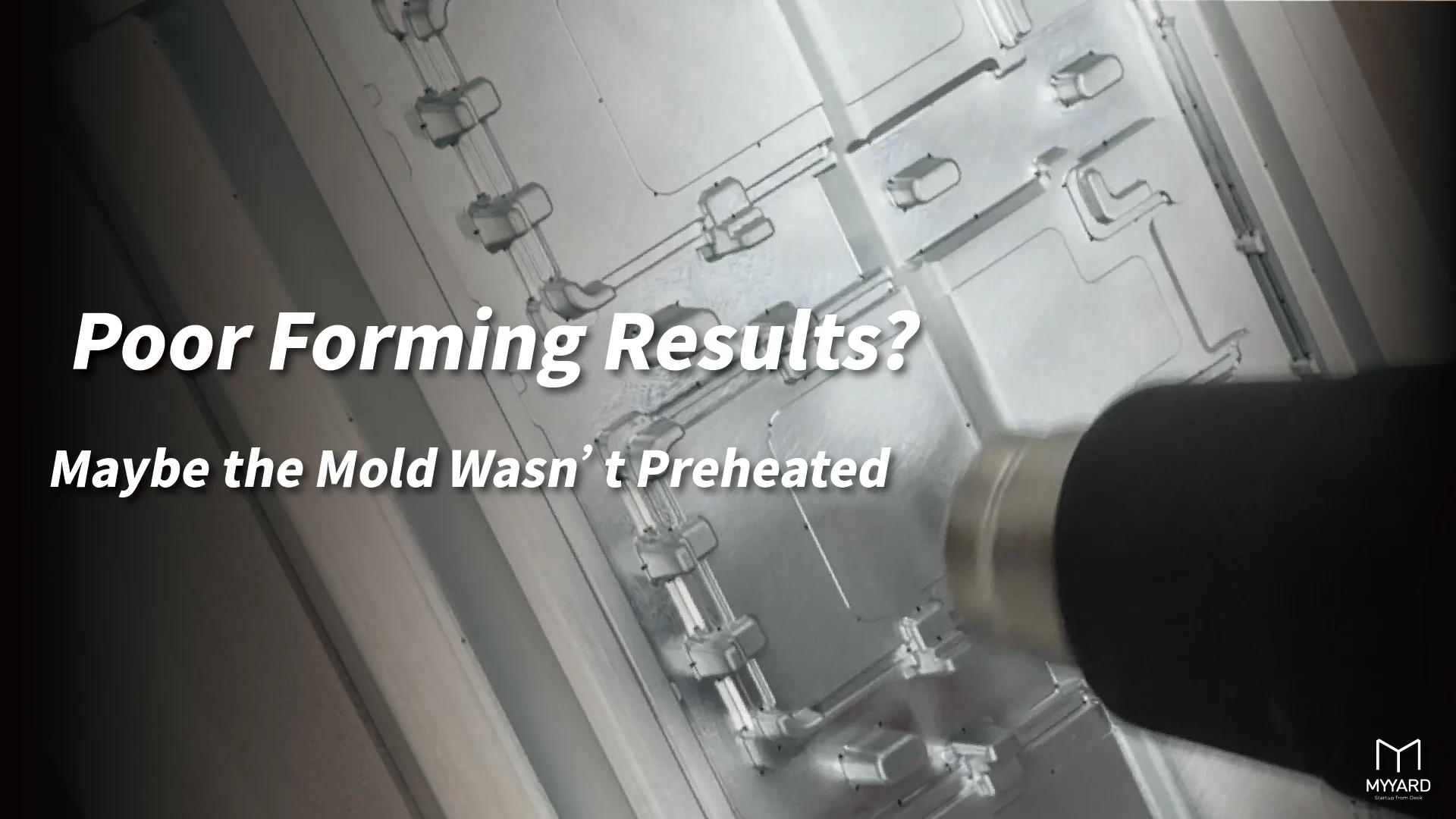
Vacuum Forming Not Reaching Details? Check the Mold Temperature
During vacuum forming, if the plastic sheet does not fully conform to the mold, details, deep areas, or edge sections may not form properly. Many users will first check whether the vacuum power is sufficient.
Vacuum power does affect forming results, but it is not the only factor.
The heating condition of the material, mold design, vacuum paths, draft angles, and mold temperature can all affect whether the plastic sheet conforms smoothly to the mold.
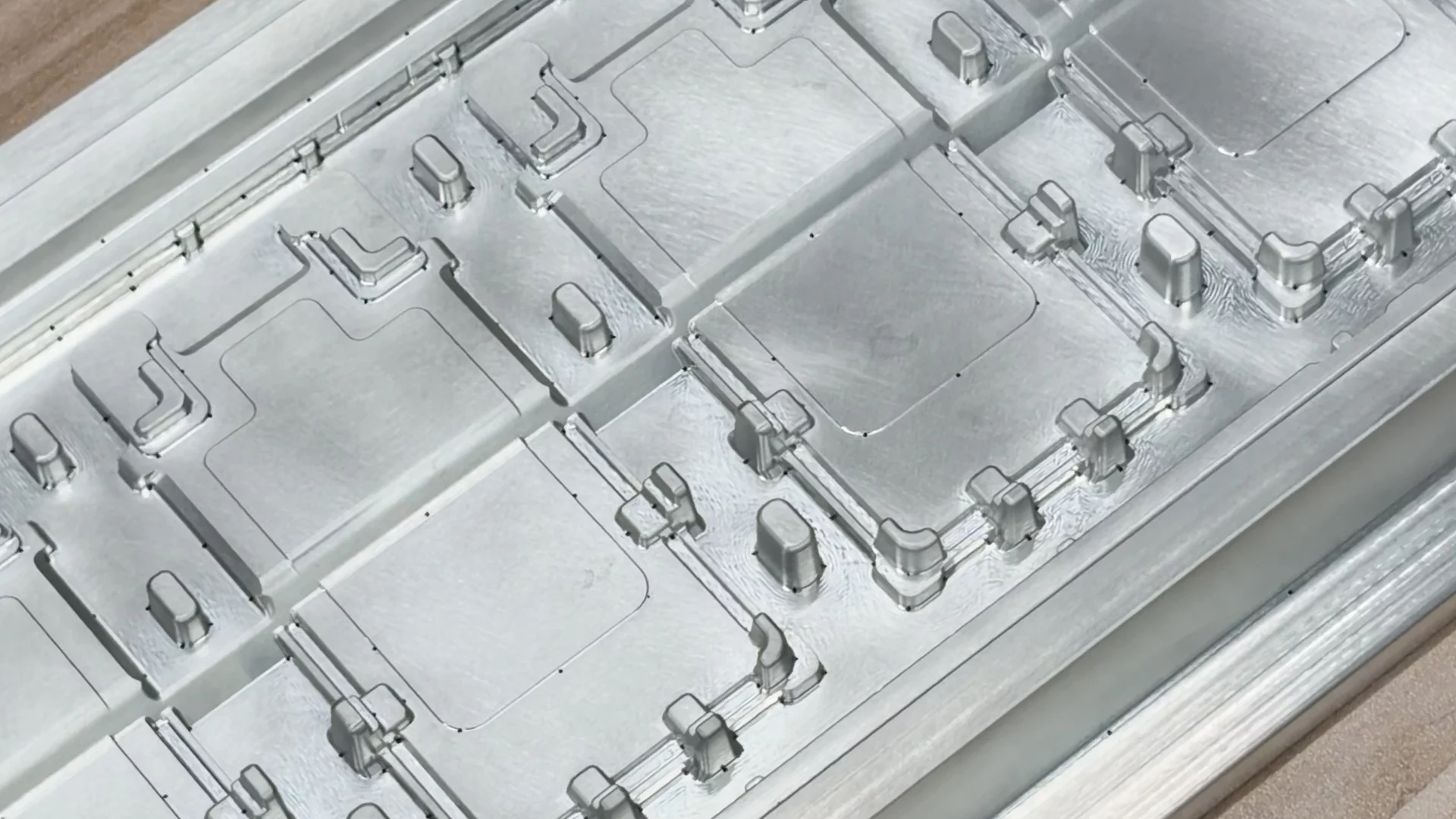
If you are using a metal mold, especially an aluminum mold, the temperature of the mold itself should also be checked.
When the mold is too cold, the plastic sheet cools down quickly after touching the mold surface. This shortens the material’s stretchable time and may make the forming result less stable.
Why Does an Aluminum Mold Need Preheating?
Aluminum conducts heat very quickly.
This property gives aluminum molds advantages in machining, durability, and dimensional stability. However, in vacuum forming, it can also cause the material to cool down too quickly.
After heating, the plastic sheet needs to remain stretchable while being pulled onto the mold surface by vacuum. When the plastic sheet touches a cold aluminum mold, heat transfers quickly into the mold. If the material hardens too soon, it becomes harder for details, deep areas, and edges to conform properly.
Therefore, when using an aluminum mold or other metal molds, warming up the mold before forming can usually help make the forming result more stable.

Why Can Results Improve After Several Continuous Forming Runs?
Some users may notice that the first few forming results are not ideal, but after several continuous runs, the results become more stable.
One possible reason is that the mold gradually warms up during continuous forming.
When the mold is no longer so cold, the plastic sheet will not cool down immediately after contact.
The material can stay stretchable for longer, which improves the chance of reaching details and edges.
This is why metal mold preheating can be considered part of the forming conditions.
If the first few forming attempts do not reach the details, check whether the mold temperature is too low.
Do not adjust only the vacuum power or material heating time.
How Can You Preheat a Metal Mold?
Metal mold preheating does not always require professional equipment. Depending on the mold size, material, and working environment, you can use a heat gun, hair dryer, dish dryer, or oven for preheating.
If there is a 3D printer on site, you can also place the metal mold on the heated bed.
However, a 3D printer heated bed usually warms up more slowly, so it is more suitable for small molds or situations where you are not in a hurry. If the mold size and material allow it, an oven is usually faster.
For metal molds, you can start testing at around 70°C.
This temperature is only a starting point. It does not mean that the same condition applies to every material and mold. Material type, sheet thickness, mold size, detail depth, and the working environment will all affect the suitable preheating condition.


Preheating Tip: Keep the Mold From Being Too Cold
The purpose of preheating a metal mold is to reduce the rapid cooling that happens when the plastic sheet touches a cold mold.
The goal is not to make the mold very hot. The key is to keep the mold from being too cold.
If the mold temperature is too high, other problems may occur, such as local over-softening of the material, changes in surface condition, or difficulty with demolding.
When testing, start with a
short time and a conservative temperature
then adjust based on the forming result.
Observe whether the details become clearer, whether deep areas conform better, whether the edges form properly, and whether demolding remains smooth.
If the forming stability improves after preheating, it means
mold temperature may be one of the influencing factors.

This Method Mainly Applies to Metal Molds
The concept of mold preheating mainly applies to metal molds, especially aluminum molds.
Because metal conducts heat quickly, a cold mold has a more noticeable effect on the temperature of the plastic sheet.
For 3D printed molds, this issue is usually less noticeable.
Most 3D printing materials conduct heat more slowly than metal, so the plastic sheet will not cool down as quickly as it would when touching cold metal.
However, 3D printed molds still require attention to heat resistance, surface strength, vacuum paths, and draft angles.
Different mold materials require different checks.
FORMART Supports Different Molds and Direct Product Forming
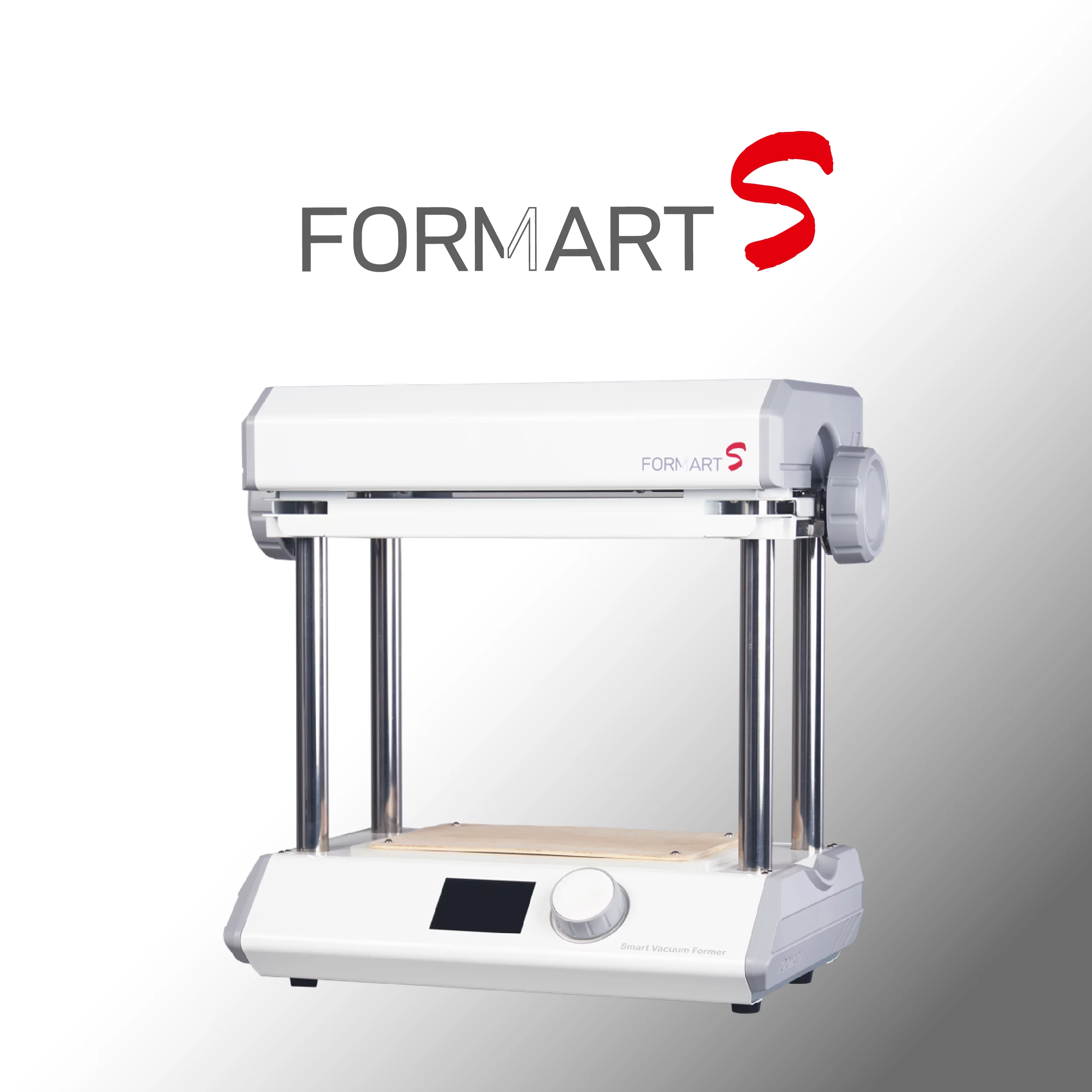
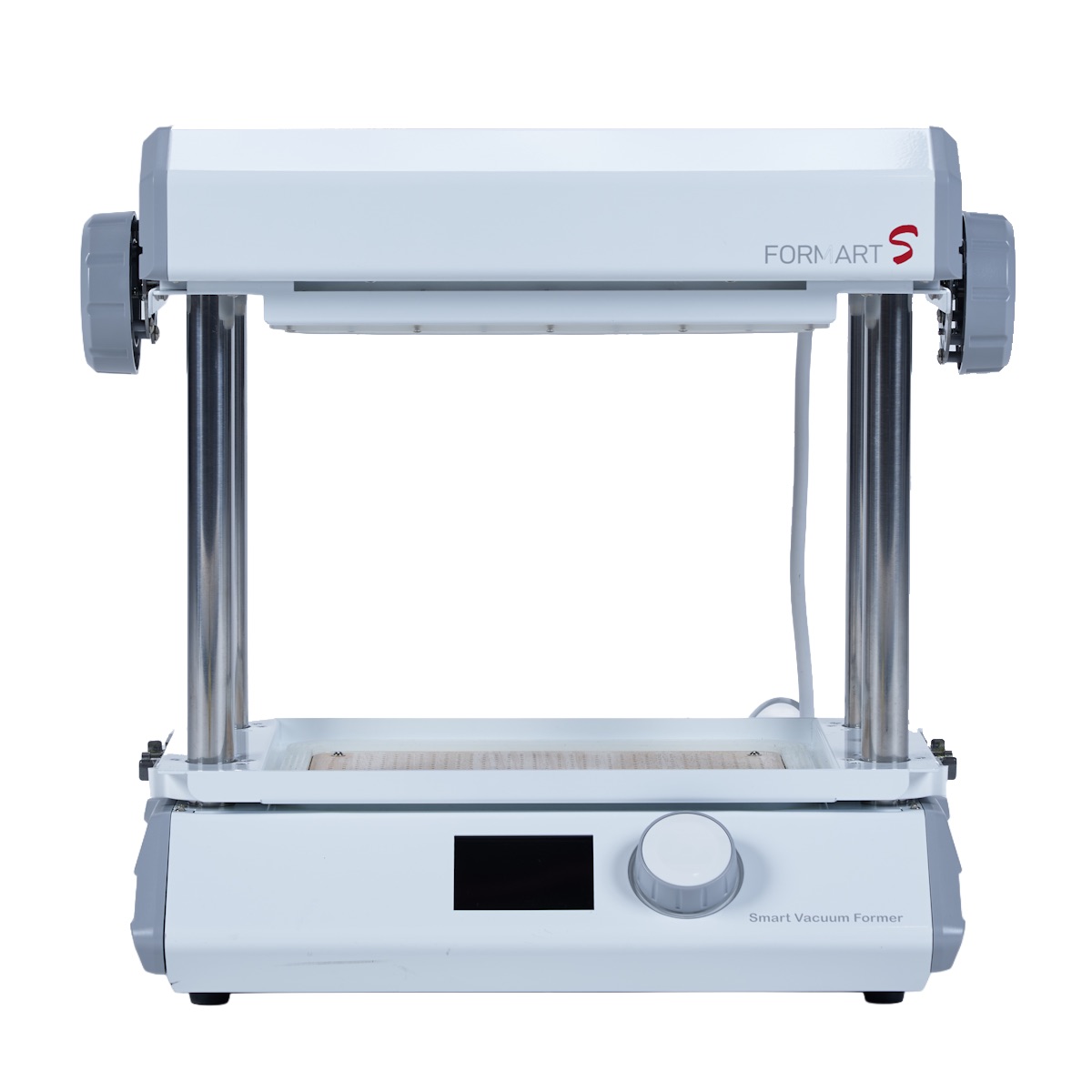
The FORMART Smart Vacuum Former developed by MYYARD can be used with metal molds, 3D printed molds, and even existing products as prototypes for forming tests.
For product development, design prototyping, education, and small-batch production, users can choose different mold-making methods based on their needs.
If you are using a metal mold, we recommend including mold preheating in the testing conditions. If you are using a 3D printed mold, first check the material’s heat resistance and structural stability.
Vacuum forming stability usually needs to be adjusted through multiple conditions together.
Vacuum power, material heating, mold design, and mold temperature can all affect the final forming result.
-
 Featured
FORMART S Smart Vacuum Former
NT$28,900 Select options This product has multiple variants. The options may be chosen on the product pageFORMART S Smart Vacuum Former
NT$28,900 Select options This product has multiple variants. The options may be chosen on the product page
Conclusion
When vacuum forming does not reach the details, vacuum power is not always the only cause.
If you are using an aluminum mold or another metal mold, a cold mold may cause the plastic sheet to cool quickly, harden too soon, and affect the forming of details, deep areas, and edges.
For metal molds, you can start testing at around 70°C, then adjust based on material, sheet thickness, mold size, and forming result. This method mainly applies to metal molds. With 3D printed molds, the same kind of rapid cooling is usually less noticeable.
FORMART supports metal molds, 3D printed molds, and direct forming over existing products.
In real operation, testing forming conditions step by step can help stabilize results and make it easier to find a workflow suitable for product development and small-batch production.

No Comments